Content Planning
Can Support Questions Reveal What Your Next Content Calendar Should Cover?
When the same question reaches support, should it become a blog post—or trigger a closer look at the product? Repetition is a clue, not a verdict: customers may need clearer instructions, a workaround for a limitation, or a fix for a failing step. Content can explain a process or help people navigate constraints; it cannot repair a defect. This guide uses a small, privacy-checked sample of support questions to surface themes with AI, then checks them against the customer experience before they enter the calendar. The goal is to choose the right response, not the most repeated topic.
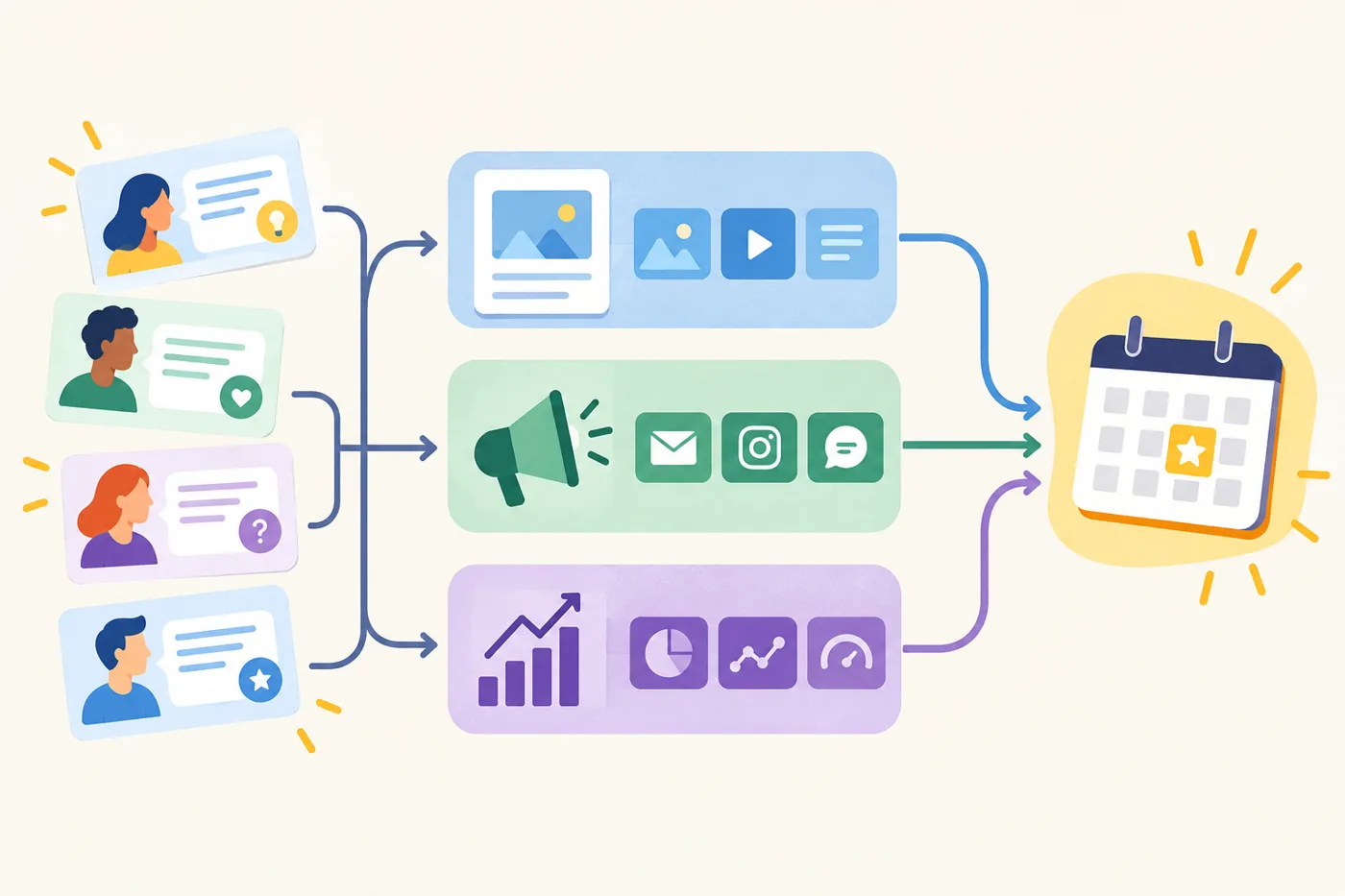
Facts and examples
Treat a support-question cluster as a lead to investigate, not proof of a content gap. Its count describes only the questions selected; it cannot by itself show how common an issue is across the customer base.
Imagine a cluster about account setup. If the process works but instructions leave a step unclear, a clearer guide may be worth testing. If the step fails when followed correctly, verify that with the product team before publishing advice. Include a workaround only after it has been checked.
Before adding a topic to the calendar, note what you observed, what remains uncertain, and who can verify it. This helps distinguish explanation from product investigation—or identify when both may be needed.
In practice
Start with a small, safe sample
Choose one product area or a limited period rather than exporting the entire support archive. Before using an AI tool, remove names, email addresses, account and order details, and other identifying or sensitive information. Follow your organization’s data-handling rules, and use only tools approved for this material.
As a first pass, select 15 to 30 sanitized questions and read them yourself. Note the task customers are trying to complete and where they seem to get stuck. Treat this sample size as a manageable starting point, not a statistically reliable measure of customer demand.
Ask AI to organize, not decide
Give the model the task and the limits of its role, then provide the questions as separate input. Ask it to group them by customer task, likely funnel stage, and unresolved need. Request a short label, a count, and a few representative examples for each cluster. Tell it to flag uncertain interpretations and not to infer causes or recommend topics yet.
For example: “Group these questions by the task the customer is trying to complete. For each group, list the count, likely stage, recurring uncertainty, and sanitized examples. Mark uncertain interpretations. Do not treat frequency as proof of content demand.” A count describes this sample; it does not establish how many customers share the issue. The sample may be small, uneven, or shaped by which customers contact support and how.
Check clusters against the product experience
Now inspect each cluster against the actual process. Is the answer available but hard to find? Could a clearer help page, onboarding email, or demonstration explain a working step? Or do customers describe a feature failing, an inconsistent result, or a missing capability? Those possibilities call for different responses, so verify the underlying experience before assigning a topic to the calendar.
Imagine a cluster about connecting a payment account. If customers mainly ask where to find the connection button, a setup guide might help. If they say the button fails after they follow the instructions, another guide could explain a workaround or limitation, but it would not repair the failure. Bring the pattern to the team responsible for the product and confirm what is happening before deciding whether content is also needed.
Choose a response, not just a topic
For each cluster, record the customer task, examples, what you verified, the likely response, an owner, and the next step. Choose content when the process works and customers need an explanation, comparison, or example. Choose a product investigation when a verified obstacle blocks the task. Some situations need both: address the obstacle, then update instructions so they match the experience.
Do not automatically prioritize the largest cluster. Consider urgency, audience relevance, whether you can answer accurately, and the effort involved. A smaller cluster may concern a consequential decision; a larger one may be better handled in a support article. If the answer is uncertain, ask a subject matter expert before drafting.
Test one approved idea
Choose one task and make the smallest useful piece in a suitable format: perhaps a step-by-step page for setup or a comparison for a decision. Use customer language when it is clear, but answer the task rather than merely echoing inbox phrasing. Before publishing, decide what reader action would indicate usefulness, if you can measure it. Later, review that signal alongside new support questions. Visits alone may not show whether the original confusion has eased; revise the content or investigate the product if the problem persists.
Recap and next step
Use repetition as a prompt to investigate, not as a vote for a calendar topic. AI can sort a small, sanitized set of support questions by customer task and possible need; your team must check whether the process works, is hard to explain, or is blocked. If it works but is unclear, content may help. If it fails, investigate the product, while explaining any verified workaround if useful. Today, select 15–30 sanitized questions from one category, ask AI to cluster them, and review each cluster before choosing a response.